Checking

Life is Easier with Benefits Checking
Your checking should fit your life. Whether you just want the basics, or you love getting discounts and extra benefits that help make life a little easier, Worth Credit Union has the checking account for you.
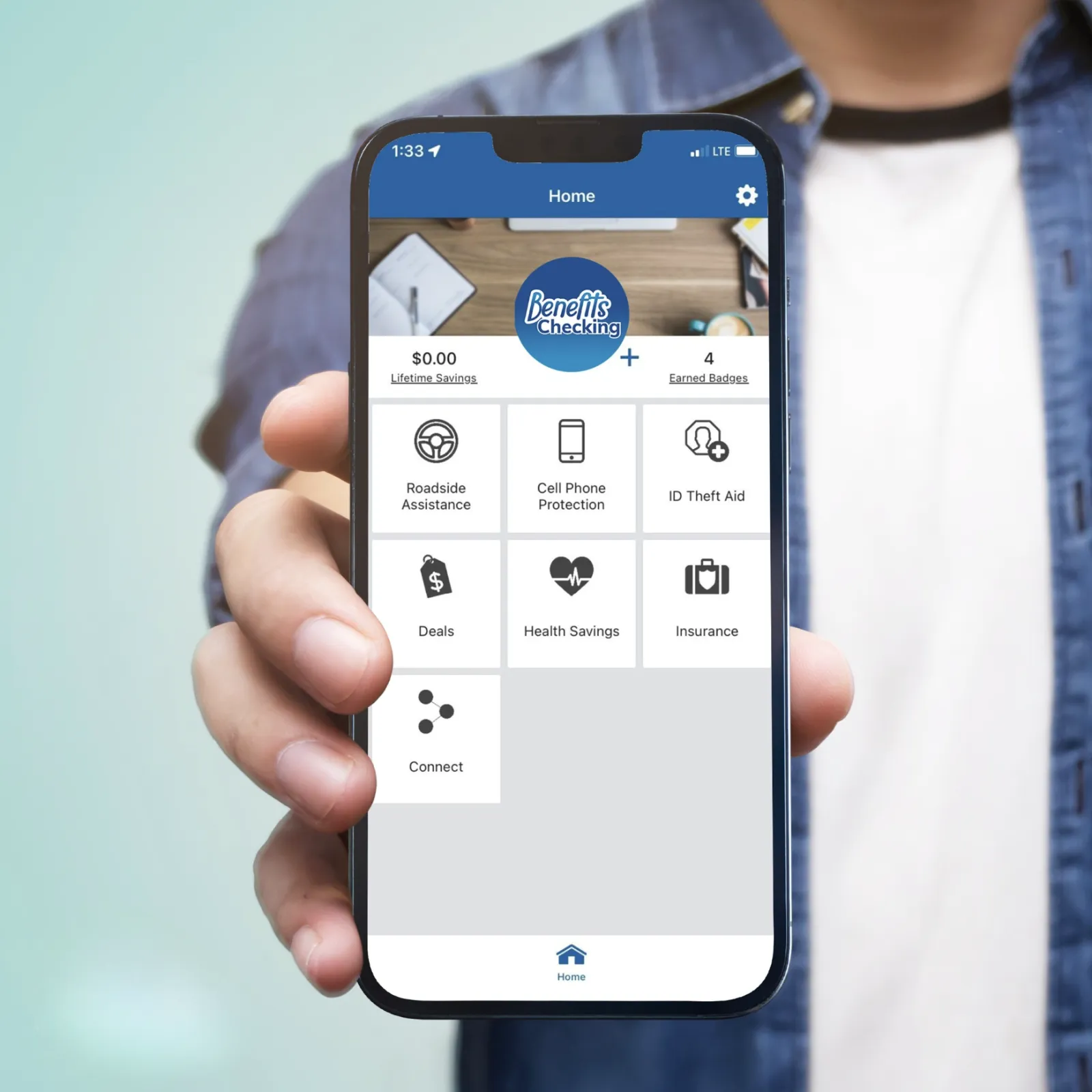
Worth Credit Union’s Benefits Checking account includes benefits like cell phone replacement, identity protection, roadside assistance. Plus discounts on gas, grocery, pharmacy, shopping & more.

Benefits Checking
Everyday checking with exclusive Benefits powered by BaZing:
- Exclusive loan rate discounts
- Up to $800 in cell phone protection
- Roadside assistance
- Earn 3% cash back on gas purchases
- Local & national retailer discounts
- Along with all the features and convenience that come with basic checking
Already a member? Log into Online Banking to have a quicker application process! Your information with automatically be filled in.

Basic Checking
Make life easier with 24/7 access and convenient checking features including:
- Direct deposit
- Debit card
- Online & mobile banking
- Mobile deposit
- Send money
- Text banking
Already a member? Log into Home Banking to have a quicker application process! Your information with automatically be filled in.
Debit Card Designs

Blue
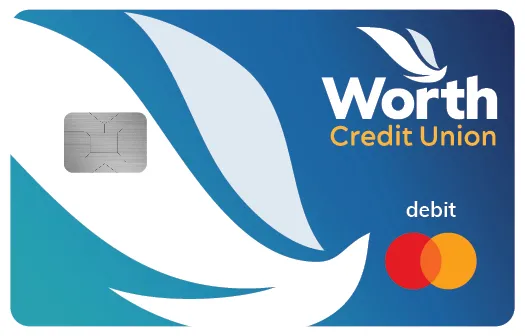
Gradient
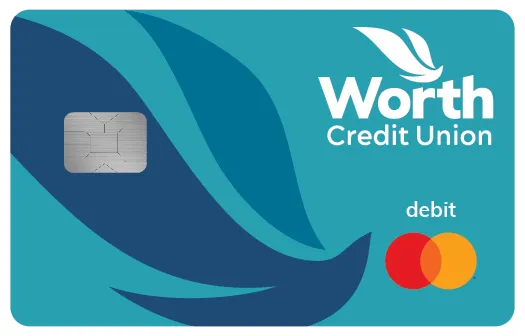
Teal
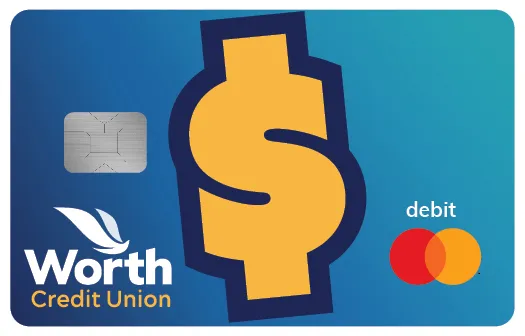
Student
| Benefits Checking | Basic Checking | |
|---|---|---|
| Direct deposit | ||
| Debit Card | ||
| Online & Mobile Banking | ||
| Send Money | ||
| Text Banking | ||
| Cell Phone Protection | Up to $800 | |
| Roadside Assistance | ||
| Fuel Rewards | 3% cash back | |
| Local & National Retail Discounts | ||
| Monthly Fee | $7 / month* | No fee** |
| Minimum Deposit | $5 | $25 |
| Paper Statement Fee | Waived | $3 / month |
*$7/month fee can be waived with a minimum of $500 in direct deposits per month.
**No monthly fee for Basic checking when enrolled in eStatements OR age 70 or above.
Direct deposit into Benefits Checking is defined as an electronic deposit made by an employer. Micro-deposits, Person-to-Person (such as Zelle) and bank transfers between your WorthCU accounts or accounts you have at other financial institutions or brokerages are not considered a direct deposit.
-
Benefits Checking
Roadside Assistance: Available 24/7 and free to use, covers up to $80 in covered service charges.
Health Savings Card: Save money on prescriptions, eye exams, frames, lenses and hearing services.
Cell Phone Protection:1,2 Pay your cell phone bill with your BaZing checking account, and you're covered. We'll pay to have it repaired or replaced, up to $800 per claim (maximum 2 claims per year, up to $1,600).
ID Theft Aid:1,2 Includes identity restoration & payment card resolution, and up to $2,500 personal identity theft benefit.
$10,000 Travel Accidental Death Coverage:2 Peace of mind for the unexpected.
Shop Local, Save Local with BaZing Savings:* Local discounts and national retailer deals to save you money on shopping, dining, travel & more.
BaZing Fuel:3 3% cash back rate on fuel purchases.
Only $7 per month. The fee can be waived with a minimum of $500 in direct deposits per month.
Access Your Rewards:
Step 1: Visit BaZing
Go to BaZing.com to get started.
Step 2: Log In to Your Account
Use the email address associated with your Worth Credit Union Benefits Checking Account to log in. If it’s your first time logging in or you don’t know your password, use that email address to set up your password.
Step 3: Explore Your Rewards
Once logged in, you’ll be directed to the BaZing homepage, where you can explore and access your available rewards and benefits.
-
Debit Card
With your WorthCU Checking account, you also receive a Free Mastercard ® Debit Card that offers great benefits! It is the ultimate in shopping convenience, safety, and flexibility.
- Use everywhere Mastercard is accepted
- Faster and easier than writing a check
- Receive cash back above the purchase amount
- Transfer funds or make account inquiries at an ATM
- Free withdrawals at all WorthCU and CO-OP ATMs
- To locate free ATMs, visit https://co-opcreditunions.org/locator/ or look for the CO-OP logo on your favorite ATMs
-
Free ATMs with CO-OP
WorthCU partners with CO-OP for more ATMs coast-to-coast. Use your WorthCU Debit Card surcharge-free at nearly 30,000 ATMs - just look for the CO-OP logo.
- Access your money around the country, surcharge-free
- Find ATMs at convenient places like 7-Eleven, Costco and Walgreens
- Easily locate an ATM through any of our locator tools - phone, mobile app, text message or web
To find an ATM near you:
Web: www.co-opatm.org
Call: 1 (888) SITE - CO-OP
Text*: 91989 send a text with your location
*The text message service is free of charge but standard data/SMS fees may apply from your mobile carrier.
-
Overdraft Protection
Overdraft Protection – You can set up overdraft protection to automatically transfer funds from a deposit account in case your checking account balance will not cover the transaction. There is a fee associated with this service. Access Line of Credit, Prime Advantage Savings, and Benefits Checking account holders are excluded from this fee.
NSF Proof Privilege –The Credit Union may* pay overdrafts for the following types of transactions from your checking account:
- Checks, ACH withdrawals, Bill Pay payments, Recurring debit card transactions (e.g., monthly bills charged to your card)
When you utilize this service, a fee will be assessed for each item that exceeds your available balance.
- We will charge you a fee of up to $32 each time we pay an overdraft.
You have 30 days to bring the checking account to a positive balance.
Debit/ATM Proof Protection (Reg E) – We will not authorize and pay* overdrafts on your everyday debit card or ATM transactions unless you provide us with your consent to do so. When you utilize this service, a fee will be assessed for each item that exceeds your available balance.
- We will charge you a fee of up to $32 each time we pay an overdraft. You have 30 days to bring the checking account to a positive balance.
*We pay overdrafts at our discretion. This means we do not guarantee we will always authorize and pay any type of transaction when there is not enough money available in your checking account or designated overdraft protection account to cover the item.
-
Text Message Banking
WorthCU's Text Message Banking service enables you to obtain account information from your mobile phone via text message. It's another way of accessing your account information at your convenience for free.
To enable this free service, log in to Home Banking and register your mobile phone number under the "Additional Services" tab.
WorthCU Shortcode: 454545
Commands to use:
- BAL - primary account balance
- BAL ALL - all account balances
- LAST - last 5 transactions on one designated primary account
- BAL CHK - balances of all checking accounts
- BAL SAV - balances of all savings accounts
- STOP - un-enroll from the service
- HELP - send info on the commands, how to use
-
Bill Pay
Pay your bills with a few clicks in our online Bill Pay. You will have the ability to pay all of your bills from one simple-to-use site that also provides you with the convenience of receiving, viewing and managing your bills in the same online location.
- Arrange email alerts for bill arrivals, due dates and upcoming payments
- Schedule auto recurring payment rules for each payee
- Pay bills from your mobile phone
- Payment history reporting for accounting purposes
-
Online Banking
Bank on your time with WorthCU Online Banking. From home, work, or wherever life takes you, enjoy secure access to your accounts 24/7. Easily move money between accounts, pay bills, check balances, and review statements—all in one convenient place designed to keep you connected and in control.
-
Money Management
Making a budget and keeping track of your spending can be hard work, not to mention the amount of time you invest. With Money Management, you can use the robust tools and features to track the information that is meaningful to you quickly.
- Know Your Finances – see all your accounts, including those with other financial institutions
- Track Your Budget – bubbles help you understand the relative health of your budgets instantly
- Watch Your Spending – Every transaction is automatically categorized so you can spend smarter
- Trends – a visualization of spending over time divided into categories
View all your accounts and transactions in a single location. Bubble Budgets that move with you. Learn where and how you spend. Receive timely alerts and notifications.
-
Purchase Rewards
Turn everyday purchases into cash with Purchase Rewards. Log in to Home Banking to pick your Purchase Rewards today. Then get cash back by using your WorthCU Mastercard Debit Card at those merchants.
- Click to activate exclusive cash back offers at the types of places you like to shop
- Shop online or in stores to redeem your offers by paying with your WorthCU Debit Card
- Enjoy cash back - deposited right into your checking account at the end of the next month.
You can also shop with cash back offers in hand. The WorthCU App brings you cash back offers on-the-go. Activate new offers right when you need them or get directions to the nearest store while you're out to redeem an offer.
Saving real money just got easy. Try Purchase Rewards today!
-
Funds Transfer
Easily move money between your accounts with WorthCU and other financial institutions.
- Save time because there is no need to visit branches or write checks
- Schedule automatic, recurring transfers for a simple savings plan
- Control your money from one dashboard - fast and easy
Log in to Home Banking and click the Move Money tab and then click Funds Transfer to get started.
Note: It will take 2-3 days to validate accounts at other financial institutions.
-
Alerts & Notifications
Being in the know is as simple as setting up an alert to help you monitor your account. You can set up email alerts, text message alerts, or mobile push notifications.
There are several alert options that you can set up - account balances, deposit or withdrawal, maturity date of a CD, loan account reminders, or create a custom personal reminder. Alerts can be edited at anytime within Home Banking or the WorthCU Mobile app.
To set up Alerts and Notifications, log in to Home Banking and click the Notifications link in the upper right corner then click settings to manage your alerts. In the WorthCU Mobile app you can set up push notifications by clicking More, then Settings, and Push Notifications.
Auto Loan Discount
With our Benefits Checking account, you can enjoy added value every day—including a 0.50% discount on all auto loans. That means lower monthly payments and more savings over the life of your loan when you finance with us. It’s just one of the many ways we reward our members for choosing a smarter, more convenient way to bank. Plus, you’ll get the everyday features and flexibility you need, all designed to help you reach your financial goals faster.

Order Checks Online Today — Fast, Easy, Secure
Order Now
Our mobile checking app makes access to your account fast, easy, and available 24/7
Your Worth Credit Union checking account comes with access to our mobile checking app so you can view your account, pay bills, transfer money, deposit checks, and more. You can also add us to your mobile wallet app for easy online shopping and tap-to-pay convenience.
Direct Deposit Authorization Form
Click Here-
What are the requirements to become a WorthCU member?
To join WorthCU you'll need to live, work, or attend school in Tarrant, Parker, Johnson or Denton county, or be a family member of an existing member and have $5 to open your membership account.
-
What will I need to open a checking account?
You will need the following information in order to complete the application:
- State issued Drivers License/State ID, Texas License to Carry, or US Military ID
- Your complete physical and mailing address. Physical address must match ID, or you will be required to provide acceptable proof of residence.
- Social Security Number
- Date of Birth
You will also need to select your credit union eligibility when you apply.
-
How do I add my debit / credit card to my mobile wallet?
Your WorthCU cards are available to add on iPhone and Android. Simply open up the mobile wallet app on either device and follow the onscreen instructions provided. Add your WorthCU debit card as your primary card. It's as simple as that!
-
How do I access mobile apps?
WorthCU's Free Mobile Banking Apps with Mobile Remote Deposit
Visit the App Store on your iPhone/iPad or Google Play Store on your Android device and download the “WorthCU” App.
Your use of Mobile Banking to access your FTWCCU account is governed by the terms and conditions of the FTWCCU Home Banking Disclosure.
-
Do I need a special cell phone to access Mobile Banking Apps?
Mobile Banking Apps works with most iPhones and iPads running iOS 13.0 or later, and Android cell phones and tablets running Android 8.0 or later with internet access
-
Mobile Remote Deposit Requirements & Limits
You can deposit checks using mobile remote deposit. Ensure that your check is properly endorsed including "For Mobile Deposit @ WorthCU" on the back of the check. Your deposit will be rejected if this is not included.
You are not limited to the number of deposits you can make using Mobile Remote Deposit. However, there are daily and monthly limits on the deposit amounts that can be processed per user. Members cannot deposit more than:
- $10,000.00 per item
- $10,000.00 per day
- $25,000.00 per month
-
Does my checking account come with a savings account?
Your savings account establishes your Credit Union membership. It's an easy way to save. You can open your membership account with $5 (which represents one share).
Min Deposit: $5.00
-
What is BaZing?
The BaZing discount network of over 300,000 online and local deals includes savings on dining, shopping and travel, plus a variety of other benefits to save you money like roadside assistance, ID theft aid, and cell phone protection. The benefits offered by BaZing are accessed through your Benefits Checking account with WorthCU.
-
Lost or Stolen Card
If your WorthCU credit or debit card is lost or stolen, assistance is only a phone call away.
Mastercard Debit Card
During normal business hours, please call WorthCU immediately at (817) 835-5000 or toll free at (866)-820-4988.
Dispute
For any disputes regarding your debit card transaction, please call (866)-820-4988
VISA or Mastercard Credit Card
If your WorthCU Credit Card is lost or stolen, please call (866) 611-4891 for assistance. (If out of country, contact 727-299-2449)
Dispute
For any disputes regarding your credit card transaction, please call (866) 611-4891.If you think you are a victim of identity theft contact us at (817) 835-5000. For more information about identity theft and free resources click here.
-
How do I order / reorder checks
To reorder checks, visit Harland Clarke and fill out required prompts.
Download the mobile app