
Online Banking

Take control of your finances anytime, anywhere—with WorthCU Online Banking. Whether you’re at home, at work, or on the go, you can securely access your account whenever it fits your schedule. Transfer funds, pay bills, check balances, and view statements—all with the convenience and confidence you deserve.
Alerts and Notifications

Being in the know is as simple as setting up an alert to help you monitor your account. You can set up email alerts, text messages alerts, or mobile push notifications.
There are several alert options that you can set up - account balances, deposit or withdrawal, maturity date of a CD, loan account reminders, or create a custom personal reminder. Alerts can be edited at anytime within Online Banking or the WorthCU Mobile app.
To set up Alerts and Notifications: Log in to Online Banking and click the Notifications link in the upper right corner then click settings to manage your alerts. In the WorthCU app you can set up push notifications by clicking more, the Settings, and Push Notifications.
Payments
Sign up for eStatements Today
Click HereFunds Transfer
Easily Move Money- Anytime, Anywhere
With WorthCU's Funds Transfer feature, you can quickly transfer money between your WorthCU accounts or even accounts at other financial institutions—all from one convenient dashboard.
Why you'll love it:
- Skip the trip—no checks or branch visits needed
- Set it and save with automatic, recurring transfers
- Stay in control with fast, secure access to your money
To get started, simply log in to Online Banking, click the Move Money tab, and select Funds Transfer.

Turn Purchases Into Cash Rewards
Log in to Online Banking to browse and select your Purchase Rewards. Then use your WorthCU Member Rewards Credit Card at participating merchants to earn cash back on the purchases you’re already making.
Money Management Feature
Making a budget and keeping track of your spending can be hard work, not to mention the amount of time you invest. With Money Management you can use the robust tools and features to track the information that is meaningful to you quickly.
- Know Your Accounts - see all your accounts, including those with other financial institutions
- Track Your Budget - bubbles help you understand the relative health of your budgets is instantly
- Watch Your Spending - Every transaction is automatically categorized so you can spend smarter
- Trends - a visualization of spending over time divided into categories
- View all your accounts and transactions in a single location. Bubble budgets that move with you. Learn where and how you spend. Receive timely alerts and notifications.
How to access Money Management:
Log in to Online Banking through our website or the WorthCU App. Once you’re signed in, look at the top of the page for the “Manage Money” tab. Click it, and you’re there!
WorthCU App
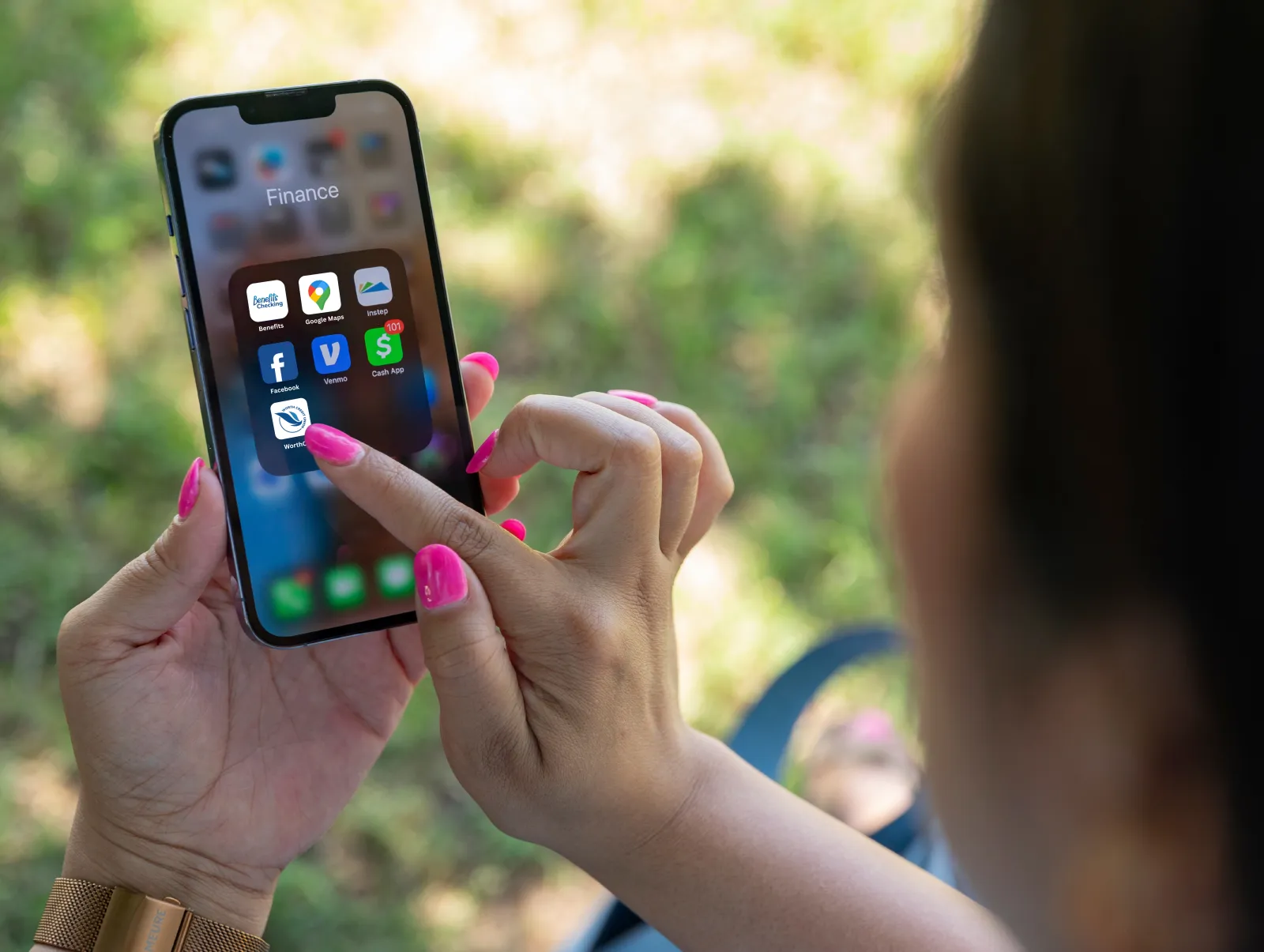
WorthCU has free Mobile Banking apps with Mobile Remote Deposit.
Visit the App Store on your iPhone/iPad or Google Play Store on your Android device and download the "WorthCU" App.
Your use of mobile banking to access your WorthCU account is governed by the terms and conditions of the WorthCU Online Banking Disclosure.
Apple App Store Google Play Store OR Visit Worth CU App Page