
How To-Resource Page Need some assistance?

We’ve made it easy for you to get the most out of your membership with step-by-step guides, helpful videos, and visual instructions. Whether you're looking to manage your card, make a web payment, or explore other features, this page is designed to guide you through every process with clear, easy-to-follow tutorials. Explore the resources below to get started, and feel free to refer back whenever you need assistance!
Need to Make a Web Payment?
Click HereHow To Videos
Need to Skip a Payment?
Click HereUpdating Personal Information
Keeping your contact information up to date is essential for staying connected and ensuring the security of your accounts. If you've recently moved, changed your last name, updated your phone number, or made any other personal changes, you can easily update your details here.
If you need assistance or step-by-step instructions on how to update your information, simply click the button below.
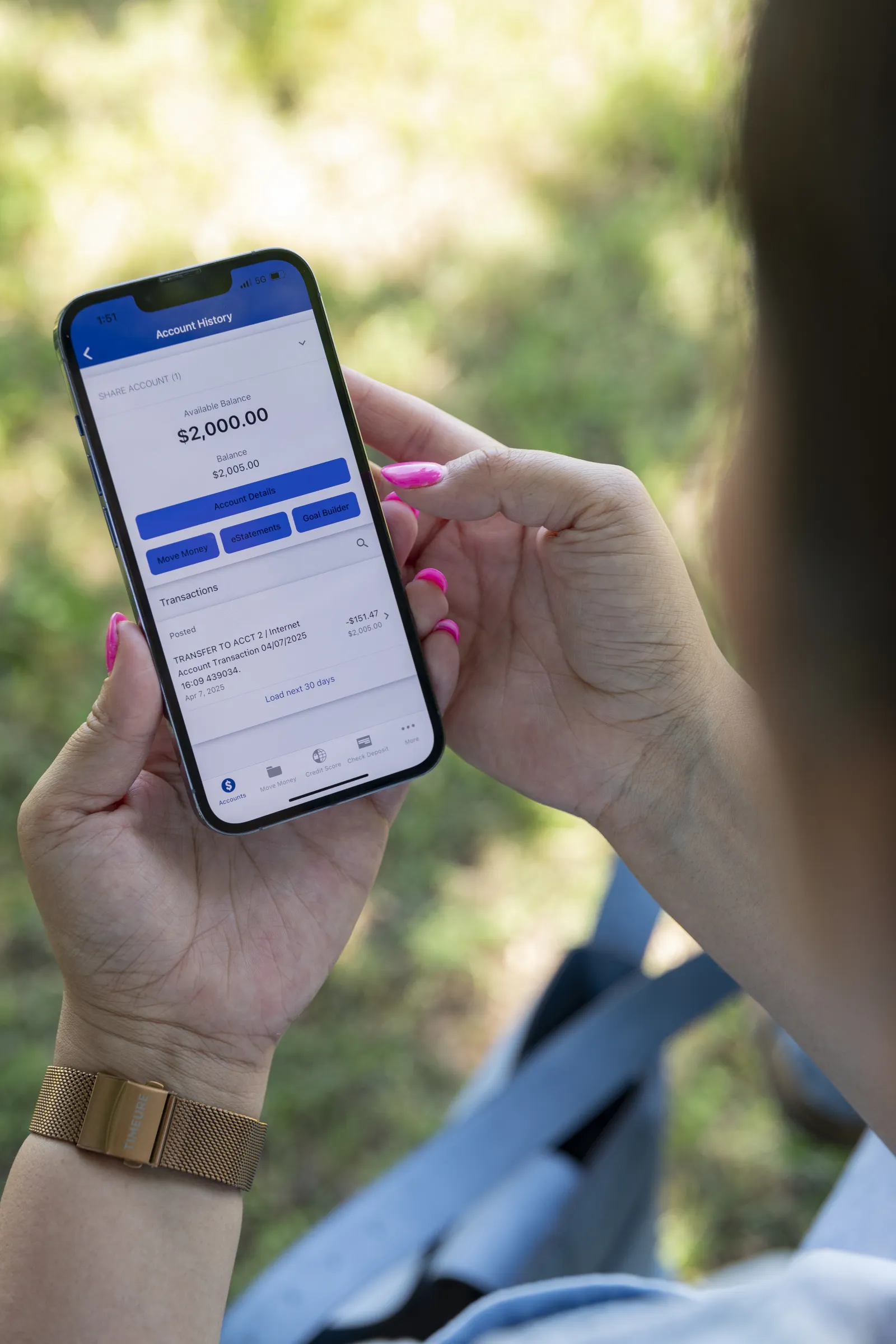
WorthCU App
You can easily manage your card, transfer funds, update personal information, and more—right from our mobile app!
No need to visit our website! Simply go to your app store (Google Play or the Apple App Store), search for "WorthCU," and hit download. It’s FREE!
Or, click the buttons below to download the app today!
Apple App Store Google Play Store
For more information visit our WorthCU App Page.
New to Online Banking?
If this is your first time managing your accounts online, we’ve got a simple guide to help you get started. Visit our First-Time User page to learn how to log in, set up your access, and begin using all the convenient tools WorthCU offers.